Screen Time
App Blocker
Digital Wellness
Best App Blocker for iPhone in 2026: Tested and Ranked

Eric Factor
We went through the top options so you don't have to. Here's an honest breakdown of what actually works and what just looks good on a features page.
Finding the best app blocker for iPhone sounds simple until you realise that most of them share the same fundamental flaw: they live on the same device they are supposed to protect. One stressful afternoon is all it takes to tap through any software-only blocker and undo a week of discipline.
We looked at every serious option available on iOS in 2026. The ranking below is based on three things: how strong the block actually is, how hard it is to override in a weak moment and whether the tool is realistic for everyday use. No fluff, no promotional framing. Just what works and for whom.
Quick note before you read: All app blockers for iPhone use Apple's Screen Time API. That means they all operate within the same iOS framework. What separates them is how much friction they add on top of that system.
The Ranked List: Best App Blockers for iPhone in 2026
Detach: Best Overall Free App Blocker for iPhone
Best for: anyone who wants real blocking without paying for it
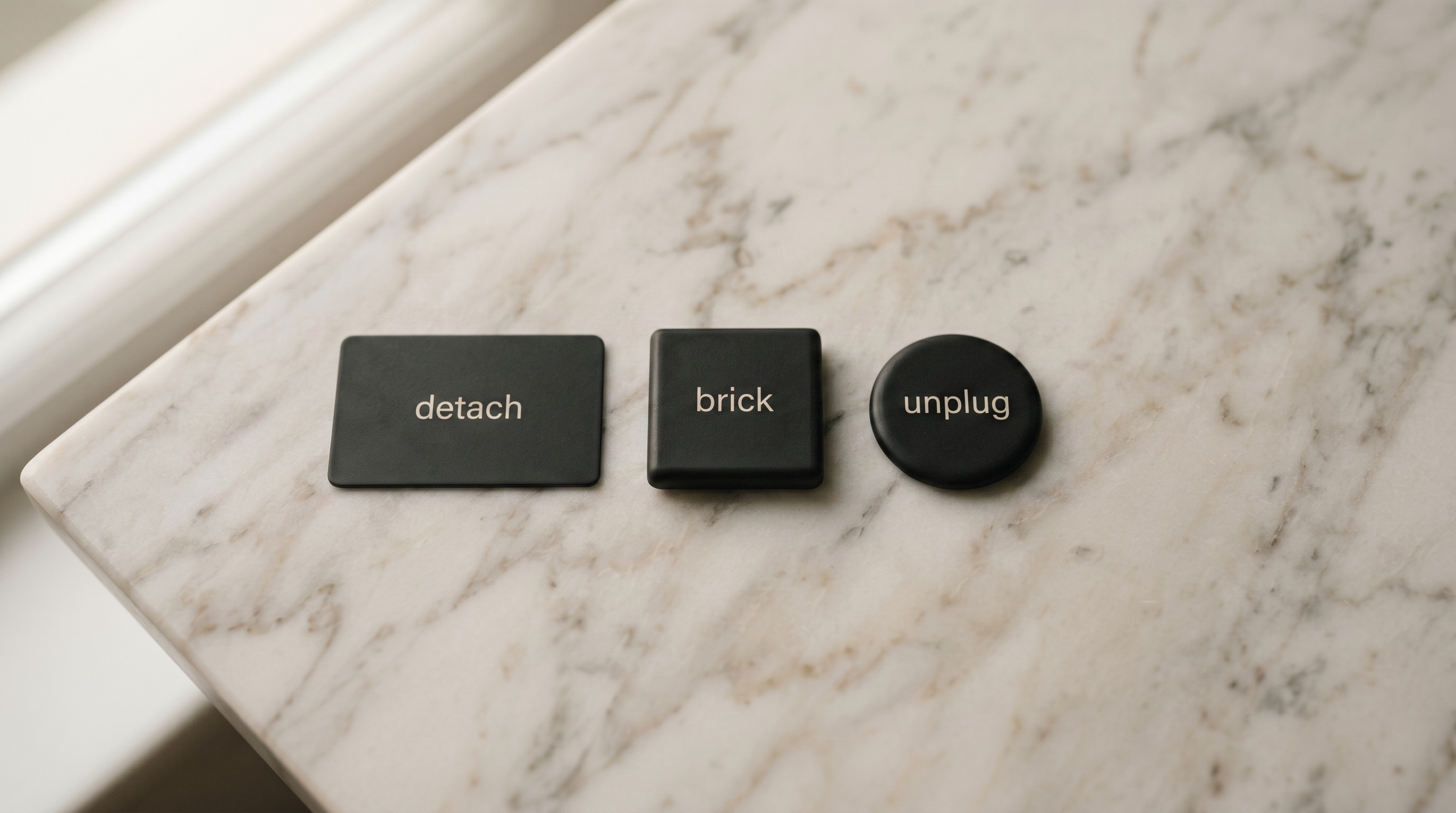
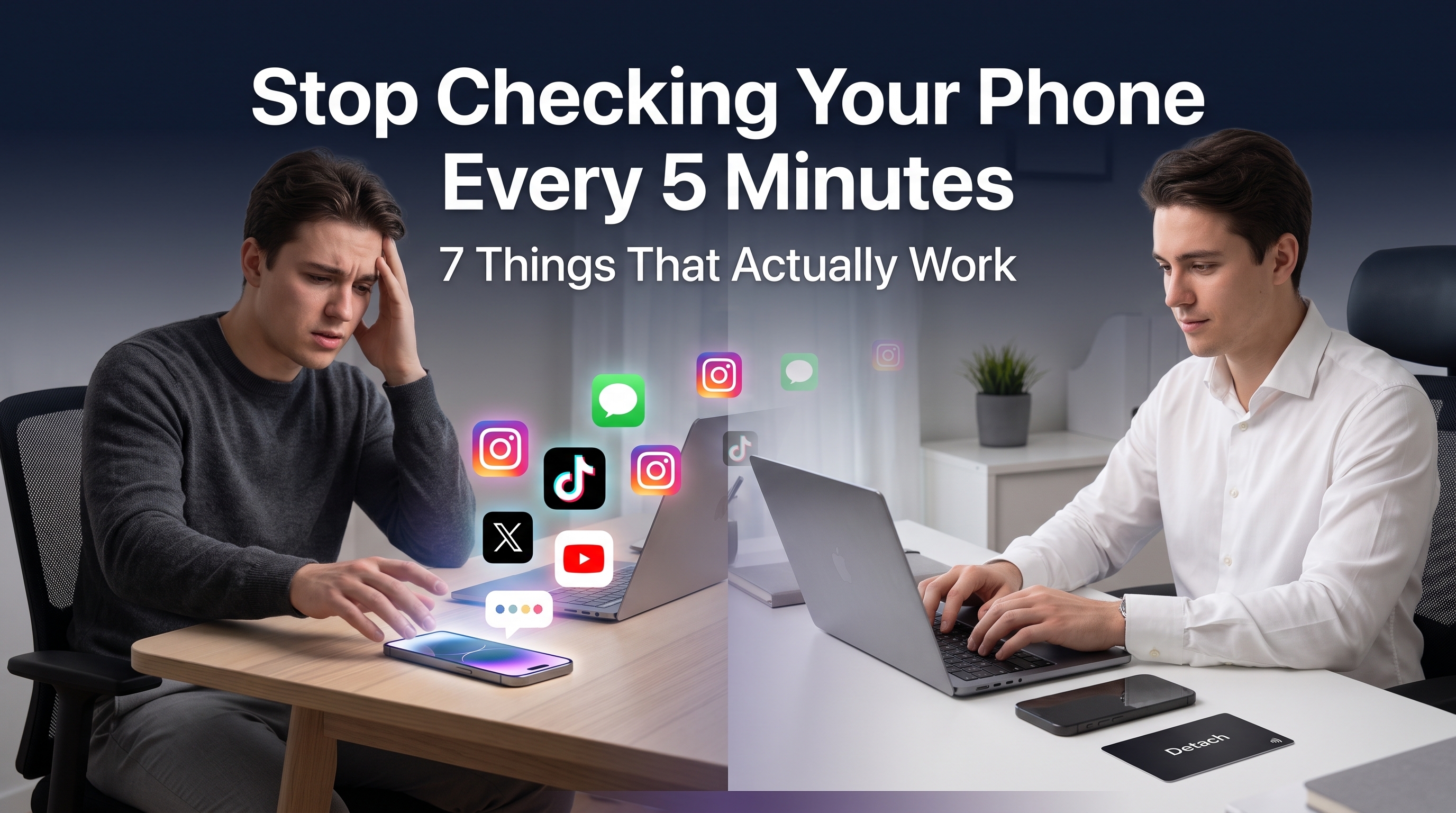
Detach earns the top spot for one reason that matters more than any feature list: it is completely free, and it uses a physical NFC card to lock your blocks in place. The card mechanic means your blocks cannot be casually overridden from your phone screen. You have to tap the card to physically deactivate a session. Leave the card in another room and the distraction apps stay off.
It blocks specific apps and websites on a schedule. The Commitment Mode removes the ability to override entirely for a set period. There is no account required and no subscription. It works on iOS 17 and above. For anyone who wants the same physical blocking principle that premium tools charge for at zero cost this is the clear winner.
Opal: Best Premium App Blocker for iPhone
Best for: professionals who want polished scheduling and session tracking
Opal is the most well-designed software app blocker on iOS. The scheduling is excellent. The focus sessions are smooth. The interface is clean and genuinely enjoyable to use. If you respond well to structure and visual feedback, Opal delivers that experience better than anything else in the category.
The limitation is the same one that affects all software-only tools. When motivation drops, the override button is still there. For users who already have reasonable self-control, Opal is a strong daily driver. For users who know they override blockers under pressure, they will eventually lose that battle.
ScreenZen: Best Free Friction-Based Block. Best for: people who want a free option that slows down impulsive opening
ScreenZen does not block apps outright. It interrupts the habit by adding a pause screen and a wait timer before the app opens. For users who open Instagram out of muscle memory rather than genuine desire, that brief interruption is often enough to break the loop.
It is one of the strongest free options available and works well as a starting point. The honest limitation is that highly compulsive behaviour can push through a pause screen without much trouble. Use it if you want a lighter intervention first before committing to harder tools.
Freedom: Best Cross-Device App Blocker
Best for: people who need their laptop and phone blocked at the same time
Freedom's advantage is that it syncs blocking sessions across iPhone, Mac, Windows and Android simultaneously. If your distraction problem moves between devices, this is the only tool in the list that addresses all of them in one place.
It comes at a subscription cost and is more complex to set up than single-device tools. For users who genuinely work across multiple devices and need consistent blocking everywhere, Freedom fills a gap that none of the others do.
Apple Screen Time: Best Built-In Option
Best for: people who want zero setup and a basic starting point
Apple Screen Time is already on your iPhone. It requires no download and costs nothing. For parents managing a child's device, it is genuinely useful because a separate Screen Time passcode can lock the settings.
For adults using it on their own device, the weakness is obvious. The "Ignore Limit" button is one tap away with no delay. It functions as a reminder rather than a blocker. If reminders are enough for you, this is the most frictionless place to start. If you already know reminders do not hold up under stress, move past this option.
Quick Comparison
| App Blocker | Price | Physical Friction | Commitment Mode | No Account |
|---|---|---|---|---|
| Detach | Free | ✔ NFC Card | ✔ Yes | ✔ Yes |
| Opal | Paid | ✘ No | ✔ Deep Focus | ✘ No |
| ScreenZen | Free | ✘ No | ✘ No | ✔ Yes |
| Freedom | Paid | ✘ No | ✔ Locked Mode | ✘ No |
| Apple Screen Time | Free | ✘ No | ✘ No | ✔ Built-in |
The best app blocker for iPhone is not the one with the most features. It is the one that stays locked when you are tired, distracted, and looking for a reason to cheat.
Frequently Asked Questions
Do app blockers actually work?
Yes, but the strength varies significantly. App blockers that use physical friction or a real commitment mechanism work considerably better than ones that rely on a single override button. The research on behavioral change consistently shows that environmental friction is more effective than willpower alone. A blocker that is easy to turn off is useful as a reminder. A blocker that is hard to turn off changes actual behavior.
Are app blockers a treatment for ADHD?
No. App blockers are productivity tools, not medical treatments. That said, many people with ADHD find them genuinely helpful because ADHD makes it harder to override impulsive behavior through willpower. A blocker that removes the option entirely, rather than asking you to resist it works well in that context. Always speak to a healthcare professional about ADHD treatment.
Will an app blocker fix my mental health?
Not on its own. Reducing compulsive social media use has been consistently linked to lower anxiety and better sleep in published research. But an app blocker addresses access, not the underlying reasons you reach for your phone. Think of it as removing one source of daily friction on your mental state while you do the deeper work.
Which app blocker should I start with if I am completely overwhelmed?
Start with Detach. It is free, requires no account and takes under five minutes to set up. Block one or two apps for a single focused hour to start. You do not need to go all in on day one. The goal is to prove to yourself that focused time is possible before building a larger system around it.
Is Apple's built-in Screen Time good enough, or do I need a third-party app blocker for iPhone?
Screen Time is good enough if you respond well to reminders and primarily want basic time limits. It is not good enough if you have a history of overriding those limits. The one-tap override that Screen Time offers by default is the exact weak point that third-party blockers with harder friction are designed to close. If you have already tried Screen Time and found yourself overriding it regularly, that is your signal to move to a tool with a commitment mechanism.
Start With the Best Free Option
Detach is free, needs no account and uses a physical NFC card to make your blocks actually hold.
Get Detach Free → getdetach.app