The Short Answer
"To do a digital detox as a remote worker, separate your work device from your distraction device. You can't unplug from the laptop you work on, but you can block distracting apps on your phone and browser during work hours, and set firm off-hours when work tools like Slack and email are blocked too. Target the distractions, not the work."
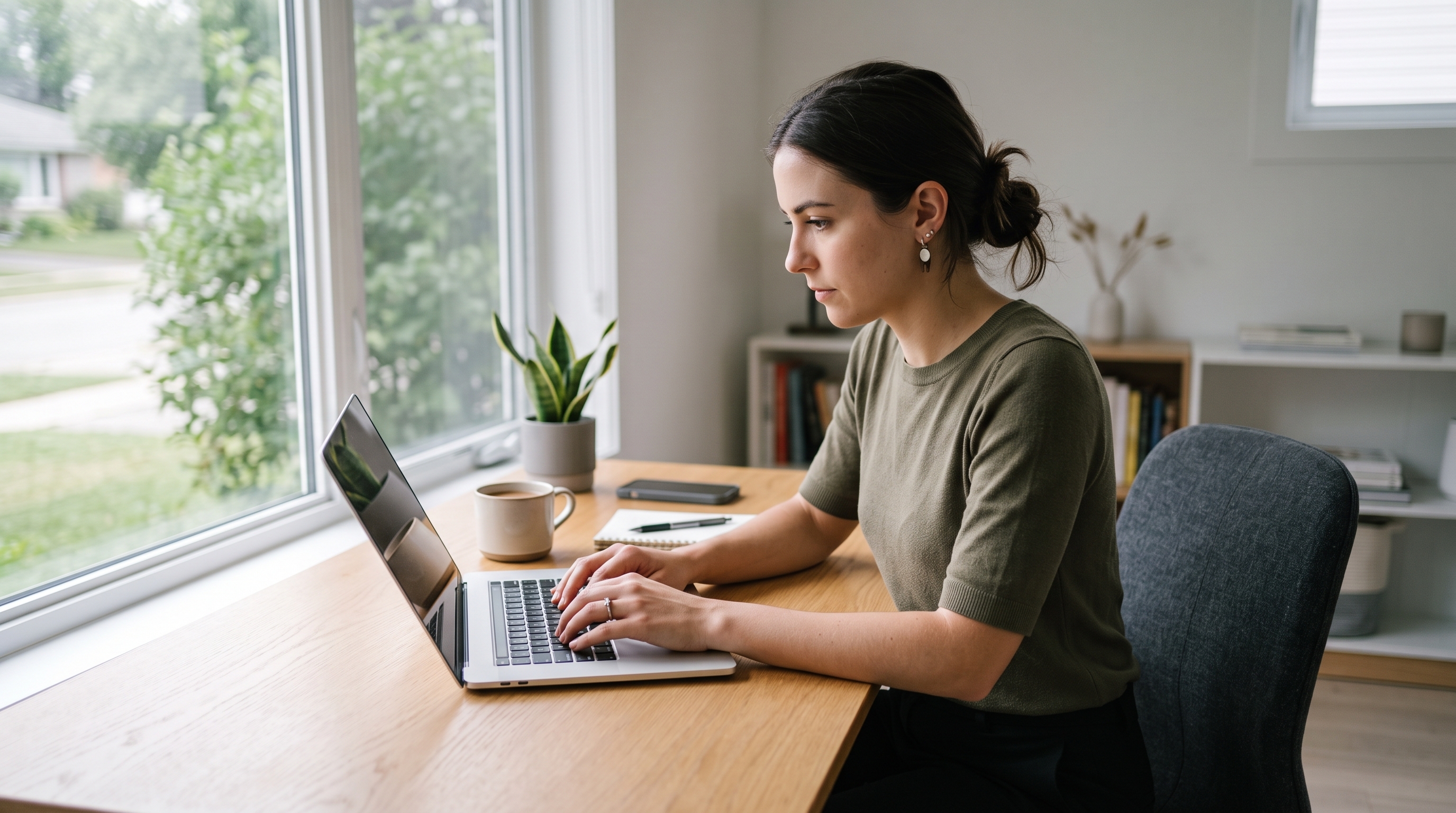
Most digital detox advice assumes you can put your devices in a drawer and walk away. For remote workers, that advice is not very helpful. Your job *is* the screen. You cannot leave your laptop in another room when your next meeting, your inbox, and your paycheck all live inside it.
That is the unique trap of working from home: the machine you earn a living on is the same machine that steals your focus and never lets you clock out. Here is a detox designed specifically for that problem.
1 screen Does both your work and your distraction- the core problem
3 min How often knowledge workers switch tasks from digital interruptions
23 min Time to fully refocus after a single interruption
Why the Usual Detox Advice Fails Remote Workers
The standard tips: turn off your phone, take a screen-free weekend, put devices away, and assume a clean line between work and leisure. Remote work erased that line. Your Slack pings after dinner. Your inbox is open during your lunch break. Your social apps are one tab away from your spreadsheet.
You cannot detox from the device you work on. But you can detox from what it does to you when you are not working and from the distractions inside it while you are.
So the goal shifts. A remote worker's detox is not about disconnecting from technology. It is about drawing hard boundaries around two things: distractions during work, and work itself after hours. Get those two right and everything improves.
The Remote Worker's Detox Step by Step
This is a partial, scheduled detox. It protects your focus without pretending you can go offline. Here is the system in order of impact.
Split your device into "work mode" and "life mode"
Your laptop can't move, but its purpose can. During work hours, block social media, news, and entertainment sites so the work machine does only work. The distraction is no longer one tab away; it's simply not there.
Sort every app into three lists
Allowed anytime (calls, calendar, maps), work-only (Slack, email, project tools), and paused (social feeds, news, short-form video). This clarity is the backbone of the whole detox; you decide once what belongs where, then enforce it.
Work in phone-away focus sprints
During 60- to 90-minute blocks, your phone goes in another room, and your distracting apps are blocked on the laptop too. Even a visible phone on your desk reduces focus, so physical distance plus a block covers both screens at once.
Build a hard shutdown ritual
The biggest remote-work trap is never clocking out. Set a firm end time when work apps Slack, email- get blocked automatically. When they go dark, the workday is over. Close the laptop and physically store it out of sight.
Protect your mornings and evenings
Block social and work apps for the first hour after waking and the last hour before bed. These bookends are when remote work bleeds into life the most, and protecting them restores the boundary between the two.
The trap to avoid: Do Not Disturb and Focus modes don't hold, because you can dismiss them in one tap, and when a Slack notification "might be urgent," you always do. A real block that you can't instantly override is what makes the boundary stick.
Why an App Blocker Is Built for This Exact Problem
Every step above depends on one capability: blocking specific apps at specific times- some during work, some after work automatically. That is precisely what a scheduled blocker does, and it is the only realistic way to detox when you can't just walk away from your screen.
Detach lets you block distracting apps during work hours and block work apps after hours, all on a schedule you set once. The commitment lock means a "quick check" of Slack at 9 PM simply isn't possible. It draws the work-life boundary for you, so you don't have to hold it with willpower. Free, no account, five minutes to set up.
Draw the Line Between Work and Life
Detach blocks distractions during work and work after hours automatically. Reclaim your focus and your evenings. Free, no account, set up in five minutes.
Get Detach Free → getdetach.app
Frequently Asked Questions
How do I do a digital detox if I work from home on a screen?
Separate your work device from your distraction device. You cannot unplug from the laptop you work on, but you can block distracting apps on your phone and browser during work hours, and set firm off-hours when work tools are blocked too.
How can remote workers disconnect after work?
Create a hard shutdown ritual and enforce it. Block work apps like Slack and email after a set time, physically store the work laptop, and replace the after-work scroll with an offline activity so the day has a clear end.
Why is it so hard to focus working from home?
Your work device and your distraction device are often the same machine, so the temptation to check social media or news is one tab away at all times. Removing that access during focus blocks is more effective than willpower.
What is the best digital detox for someone who works online?
A partial, scheduled detox rather than a full disconnect. Block non-work apps during focus sprints, keep work tools open only during work hours, and protect mornings and evenings as screen-light time.
Can I do a digital detox without hurting my productivity?
Yes. A remote-worker detox targets distractions, not work tools. By blocking social media and news during work hours, you usually become more productive, not less, because you remove the biggest source of interruption.